Create a site
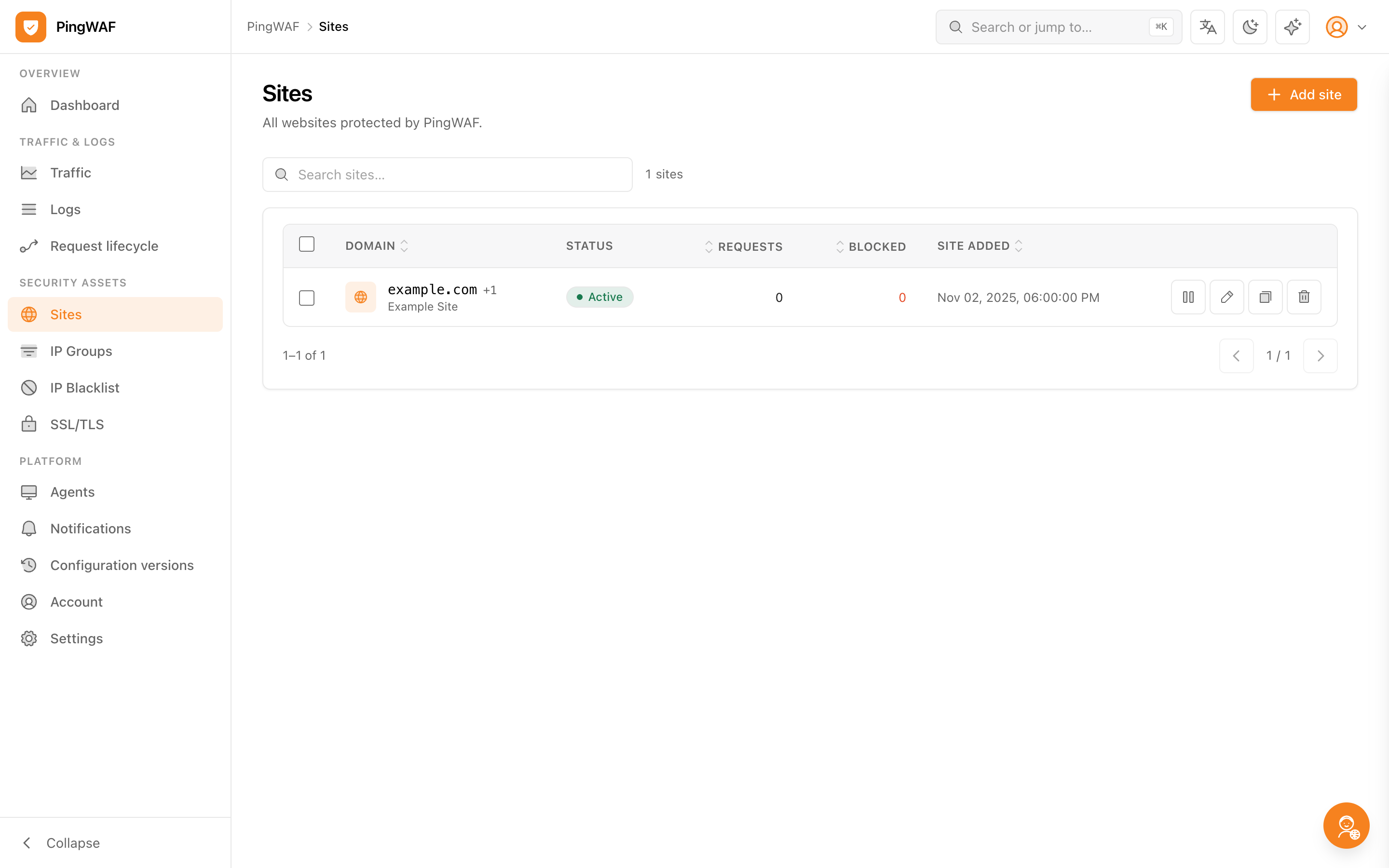
A site binds a hostname to origin pools, routes and the protections you enable for it.
Site modelQuick start
Two supported paths: the bundled compose stack for evaluation, or a source build for production deployments you control.
The compose path only needs Docker. A source build needs the Rust and Node toolchains plus protoc.
Docker
Engine 24+ with Compose v2
Runs the control plane, one agent and PostgreSQL together.
PostgreSQL
14+ (16 recommended)
Required by the control plane for sites, rules and versions.
Ports
9080 · 9090 · 80 · 443
9080 serves the API and dashboard, 9090 the gRPC control plane.
TLS
Self-signed on first boot
Replace it or trust it before you expose the console.
Quick start
The compose file starts PingWAF in all-in-one mode next to PostgreSQL and pulls the published image.
The compose file and the example TOML config live in the repository root.
git clone https://github.com/shuaiZend/PingWAF.git
cd PingWAFSet JWT_SECRET and ADMIN_PASSWORD first if this host is reachable by anyone else.
export JWT_SECRET="$(openssl rand -hex 32)"
export ADMIN_PASSWORD="$(openssl rand -hex 16)"
docker compose up -dThe console is served over HTTPS with a certificate generated on first boot, so the browser warns until you trust it or upload your own under Settings.
curl --connect-timeout 2 --max-time 3 http://localhost:9080/healthz
# {"status":"ok","database":"up"}Create a site with the hostname you will point at the agent, then enable the protections you want for that hostname only.
Quick start
Use this path when you need a custom build, a different feature set, or an auditable binary.
protoc is mandatory: without it the proto crate falls back to placeholders and downstream crates fail to compile.
# macOS
brew install protobuf

# Debian / Ubuntu
sudo apt install protobuf-compiler cmakeThe console is embedded into the binary, so it must be built first.
cd web && npm ci && npm run build && cd ..The full feature set includes the WAF engine, challenges and certificate automation.
cargo build --release --bin pingwaf --features fullPoint it at a PostgreSQL instance; the schema is created on first boot.
./target/release/pingwaf all-in-one \
  --db-url "postgres://pingwaf:pingwaf@localhost:5432/pingwaf"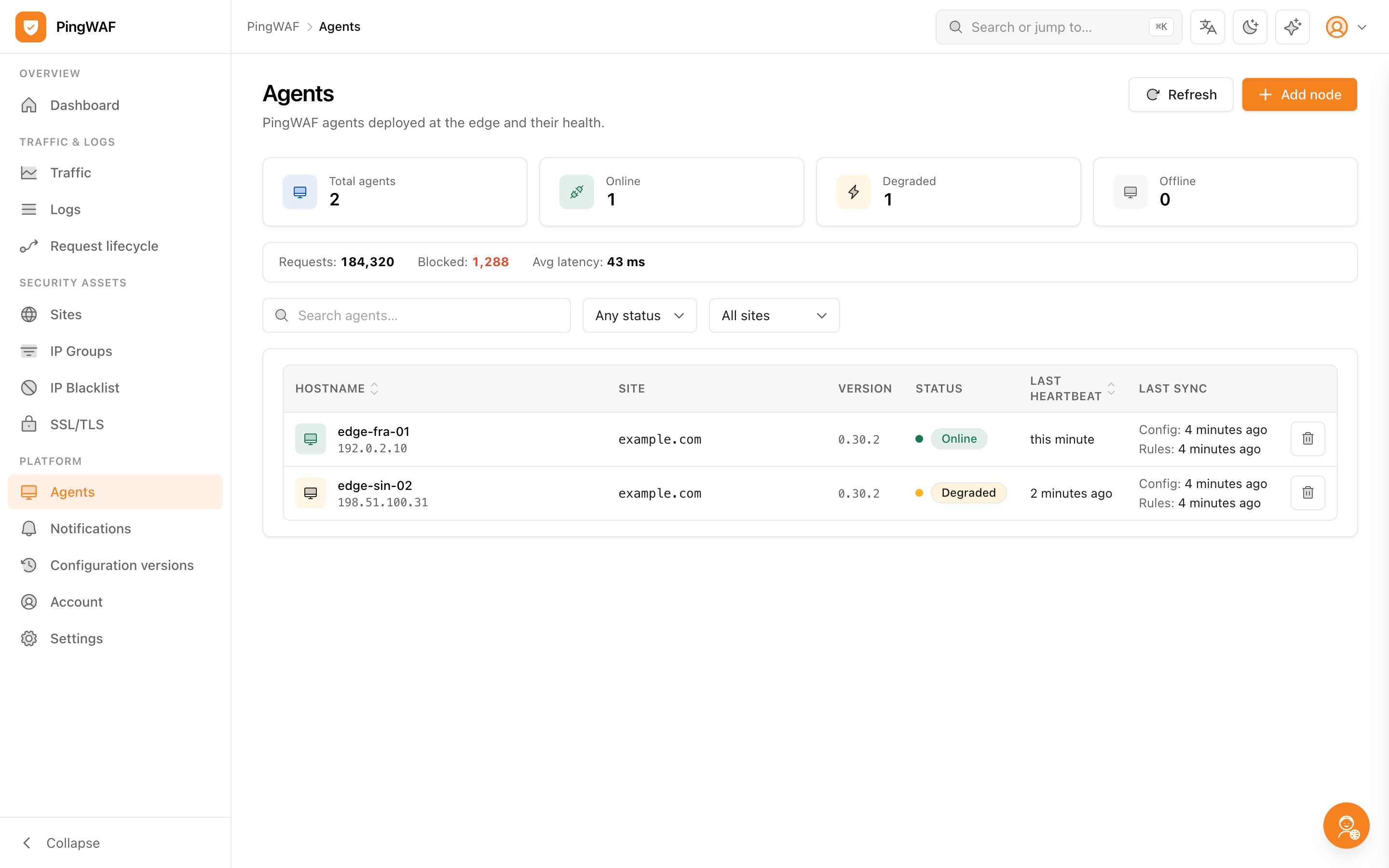
The control plane seeds an administrator on first boot. The dashboard forces a password change before it is usable.
defaults.env
Change the defaults before exposing anything
PINGWAF_JWT_SECRET and PINGWAF_ADMIN_PASSWORD have working defaults. Set both, set PINGWAF_ALLOW_REGISTRATION=false, and keep 9080 on a private network or behind a VPN.export PINGWAF_JWT_SECRET="$(openssl rand -hex 32)"
export PINGWAF_ADMIN_PASSWORD="$(openssl rand -hex 16)"
export PINGWAF_ALLOW_REGISTRATION=false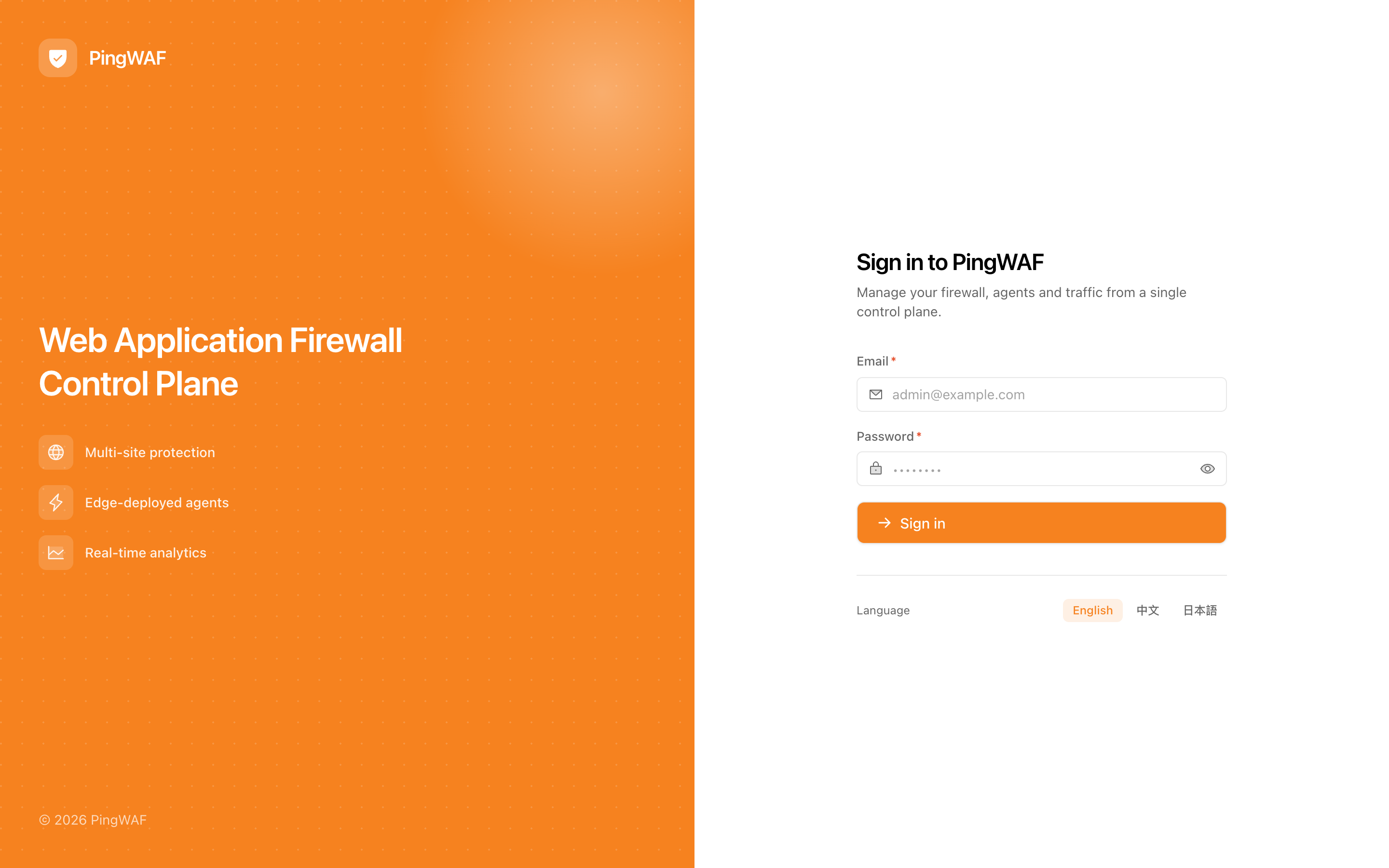
Once the control plane answers, the rest is configuration.
A site binds a hostname to origin pools, routes and the protections you enable for it.
Site modelRun pingwaf server on the control node and pingwaf agent on each edge node; agents register over gRPC :9090.
Distributed deploymentEnable the WAF engine, CC shield or bot policy per site — nothing is enforced until you do.
CapabilitiesSend request logs to Elasticsearch and keep raw captures in PostgreSQL for replay.
Observabilityprotoc is missing. Install protobuf-compiler (or brew install protobuf) and rebuild — the crate silently falls back to placeholder files without it.
The console is HTTPS with a self-signed certificate. Trust the downloaded certificate, or upload your own under Settings → Control plane HTTPS. Set PINGWAF_TLS_SANS to the hostname you use.
Check that the agent can reach the gRPC control plane on :9090 (PINGWAF_SERVER_URL) and that it is not blocked by a firewall or TLS-terminating proxy.
443 opens only after a certificate is issued or uploaded for a site. Until then the agent serves plain HTTP on port 80.
The deployment and architecture documents cover systemd, distributed topologies, configuration precedence and the full environment variable reference.